
Download alexisaudio for FREE
Download our free software for Raspberry Pi, PC, and in just under 10 minutes, you’ll be on the fasttrack to a whole new world of musical enjoyment. Control your new streamer directly via your phone, computer, or tablet
Raspberry Pi
PC (X86/X64)
Get Started
Creating your own Volumio Music Player takes just 4 steps!
1
Download
-
Download the relevant software according to your device.
-
Extract the downloaded .zip file.
-
After extraction, you will have an .img file.
Raspberry Pi
PC (X86/X64)
*By downloading you accept our

2
FLASH
-
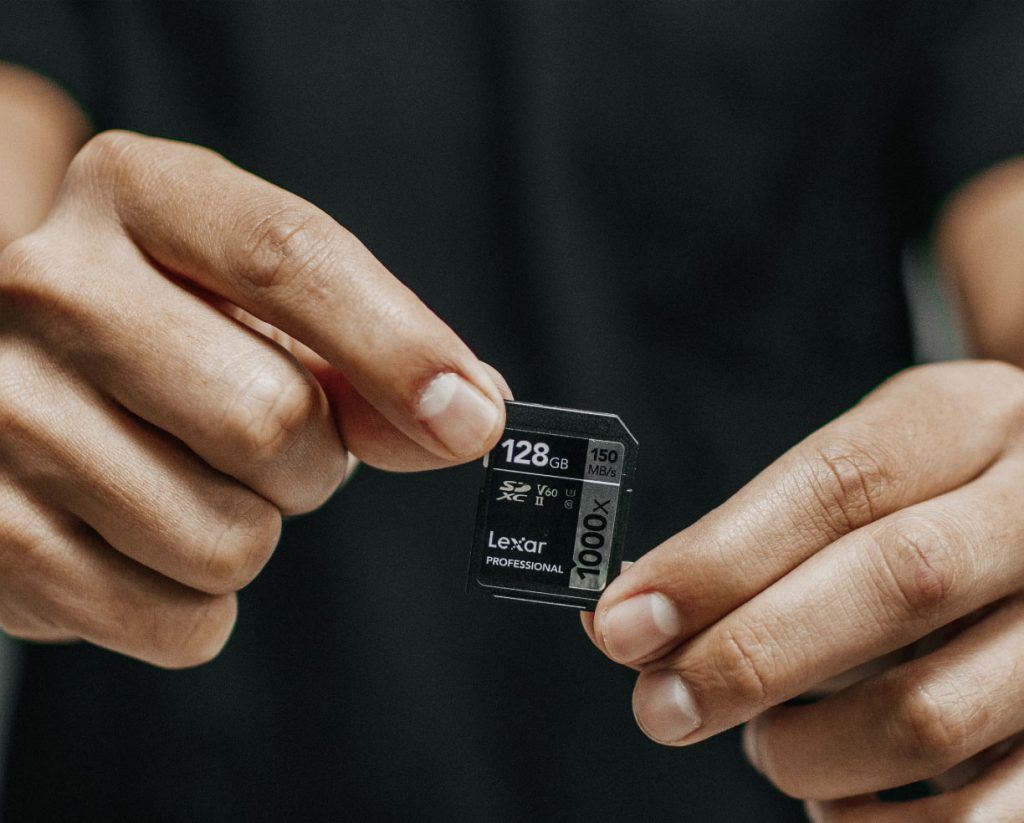
Flash .img file onto SD card or USB thumb drive for X64 using Raspberry Pi Imager.
-
In Raspberry Pi Imager, click ‘Operating System’, ‘Customizing image’ and select extracted .img file.
-
Choose target SD Card/USB drive from the ‘Internal SD Card Reader’ menu & click ‘Write’.
-
Alexis audio is now flashed to your SD/USB!
3
PREPARE
-
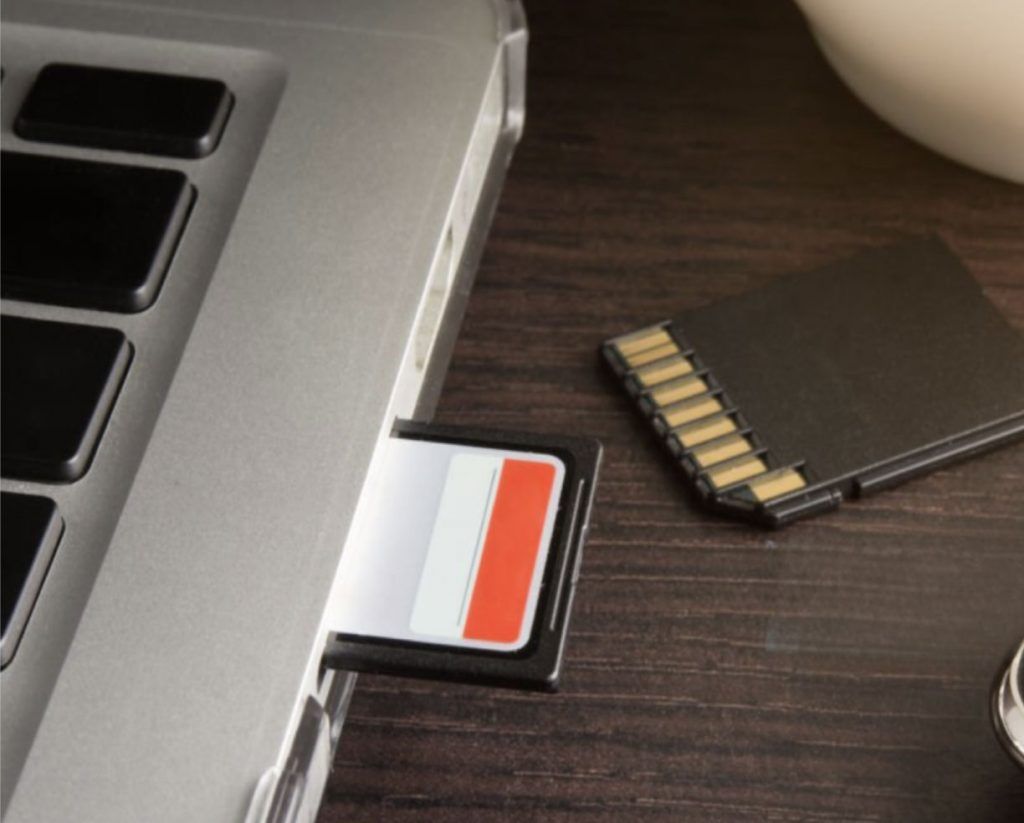
Insert the SD Card into your device. (If using a PC, please place Volumio onto a USB drive instead.)
-
Power up your device.
CONNECT
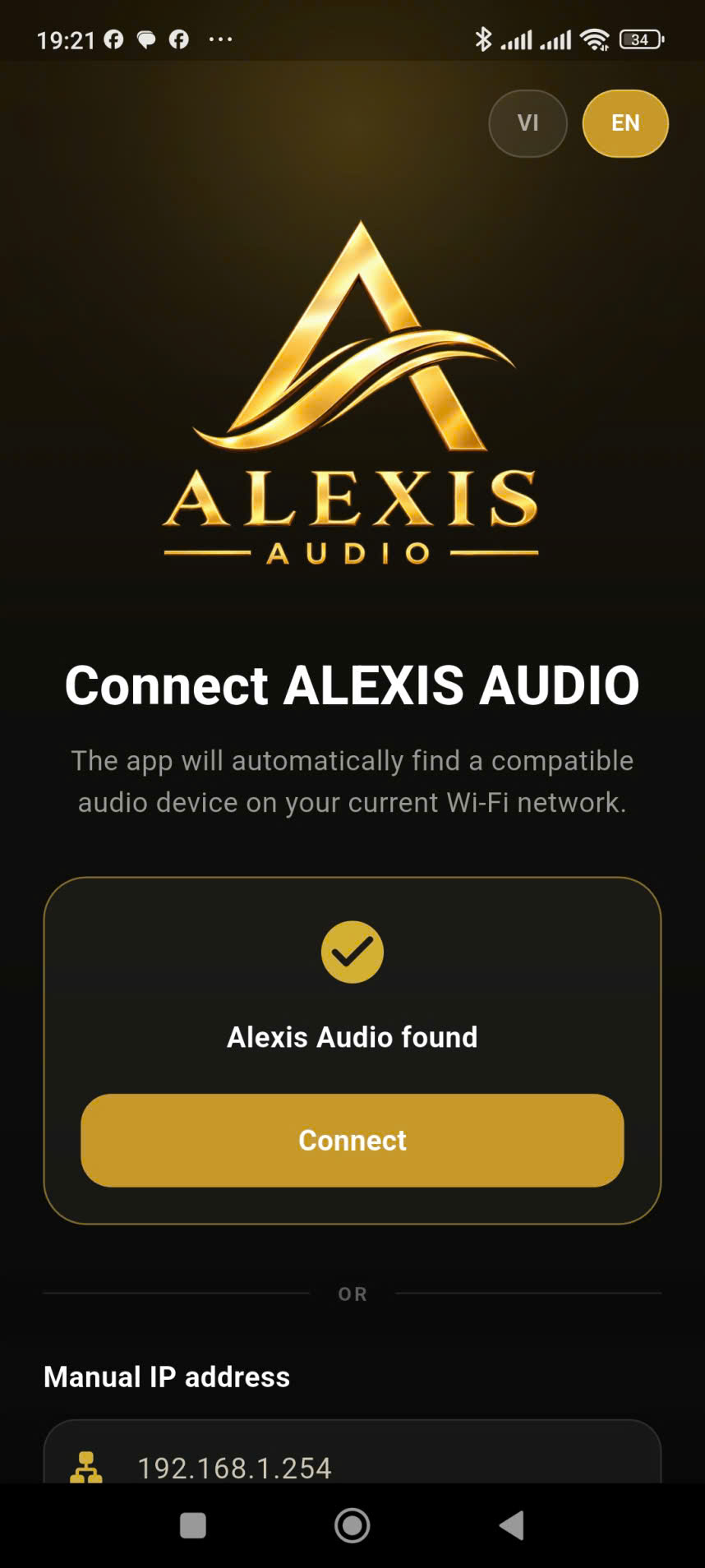
- Download the Android or iOS app from the relevant store.
- Select “Configure a new Device” and follow the guided setup
- Or to access directly from your browser: http://alexisaudio.local
- Done! You’re ready to enjoy your music!
Android Download (Scan QR Code)


